Generate LinkedIn Thought Leadership Content
for CEOs with A.I.
🦾 A.I. in Action
Stop scrambling for social posts. With this setup, you can generate, organize, and schedule a month’s worth of content in under an hour.
🛠 Tools You’ll Use
✅ Notion/Trello/Google Sheets: Plan and organize the calendar.
✅ ChatGPT: Generate post ideas, captions, and hashtags.
✅ Zapier/Make: Send posts into your calendar tool automatically.
✅ Buffer/Hootsuite/Later: Schedule across LinkedIn, Instagram, and Twitter.
Step 1: Collect Topics
List your focus areas such as leadership, company culture, product updates, and personal insights.
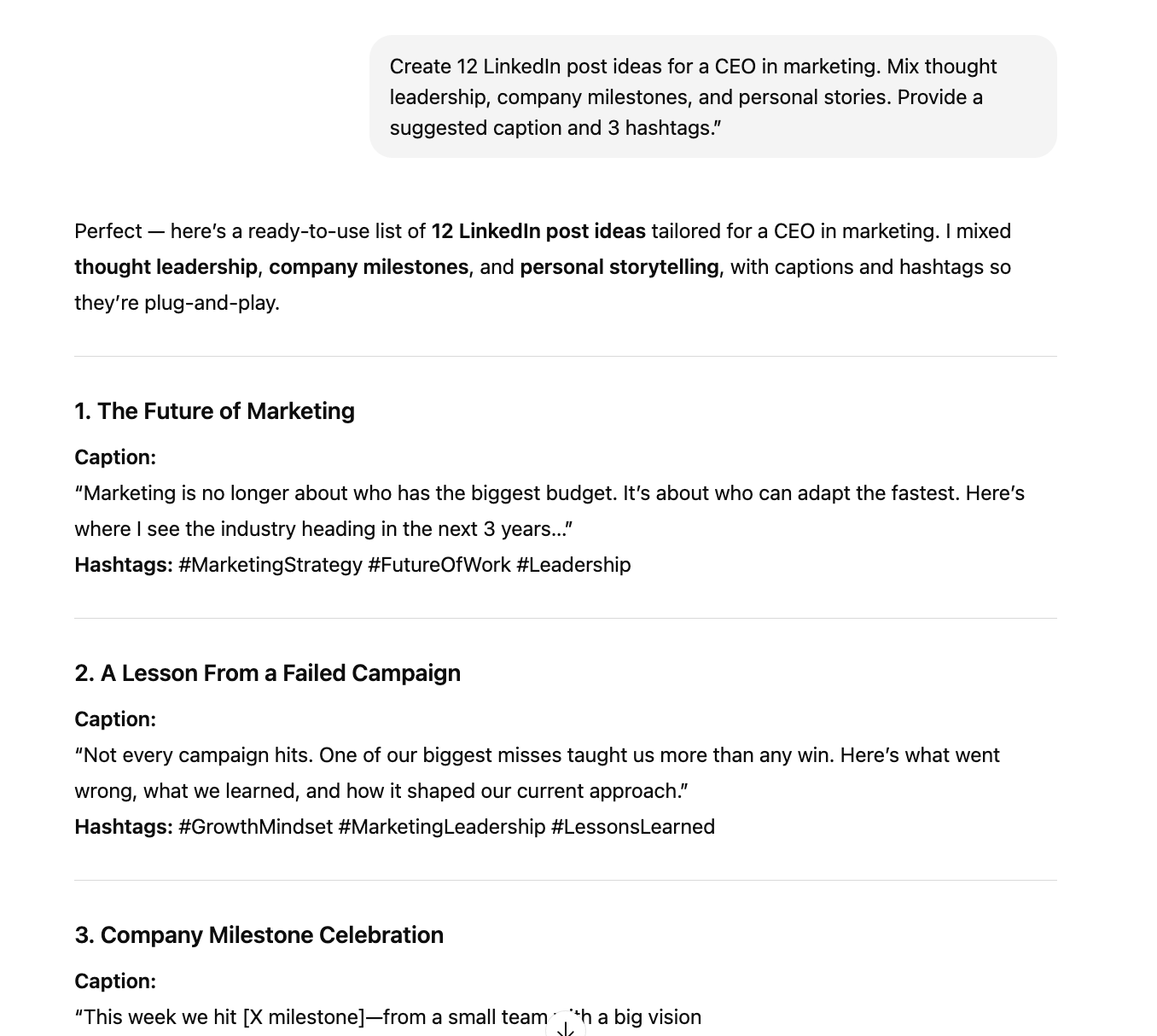
Step 2: Generate Ideas with GPT
Prompt:
“Create 12 LinkedIn post ideas for a CEO in {industry}. Mix thought leadership, company milestones, and personal stories. Provide a suggested caption and 3 hashtags.”

Step 2.5: Use These Prompt Ideas for CEOs to Generate Content
1. Thought Leadership
Prompt: “Write a LinkedIn post sharing 3 lessons I’ve learned as a CEO in {industry}. Make it concise, professional, and engaging. Add 2 questions to spark conversation in the comments.”
Prompt: “Draft a LinkedIn post explaining the biggest challenge facing {industry} in 2025. Provide 2 insights, 1 prediction, and 3 relevant hashtags.”
2. Company Milestones & Updates
Prompt: “Create a LinkedIn post announcing a company milestone: {e.g., reached 10,000 customers}. Include a thank you to the team and customers, keep tone celebratory but humble. Add 3 hashtags.”
Prompt: “Write a LinkedIn post announcing a new product launch. Keep it under 200 words, highlight the top 2 features, and end with a clear CTA to learn more.”
3. Personal Stories & Behind-the-Scenes
Prompt: “Write a LinkedIn post where I share a personal leadership lesson from {specific event}. Keep tone authentic and human. End with 1 question to invite engagement.”
Prompt: “Draft a post describing a day-in-the-life of a CEO at {company name}. Make it relatable and inspiring. Include 2 hashtags around leadership.”
4. Educational/Industry Value Posts
Prompt: “Create a LinkedIn post breaking down 3 trends shaping {industry} right now. Write it in plain language for non-experts, include bullet points and 2 hashtags.”
Prompt: “Draft a LinkedIn carousel outline with 5 slides explaining {topic, e.g., AI in marketing}. Provide short text for each slide and a CTA for readers to comment.”
5. Engagement Boosters
Prompt: “Write a short LinkedIn poll question around {topic, e.g., remote work productivity}. Provide 3 answer choices that spark debate.”
Prompt: “Generate 5 short LinkedIn hooks about leadership that make people stop scrolling. Each under 12 words.”
Step 3: Build the Calendar
Copy results into Notion, Trello, or Sheets. Organize posts by day and theme (e.g. Mondays = insights, Fridays = culture).
Step 4: Automate Scheduling
Use Zapier or Make to push posts into Buffer or Hootsuite. Review and approve before they go live.
Step 5: Track Performance
Log engagement metrics back into Sheets to see which themes perform best and refine future prompts.
Why This Works
✅ Keeps posting consistent.
✅ Mixes thought leadership, culture, and promotional content.
✅ Easy to replicate monthly.
✅ Works for busy CEOs who want visibility without significant effort.
Go to the next level with A.I.:
🧠 No-cost A.I. webclass: perfect place to get started.
🦾 Done-for-you services: ideal for growing businesses.
🛠️ All-in-one A.I. system: save both time and money.
Your weekly dose of A.I. insights, trends, and breakthroughs.
Your weekly dose of A.I. insights,
trends, and breakthroughs.
